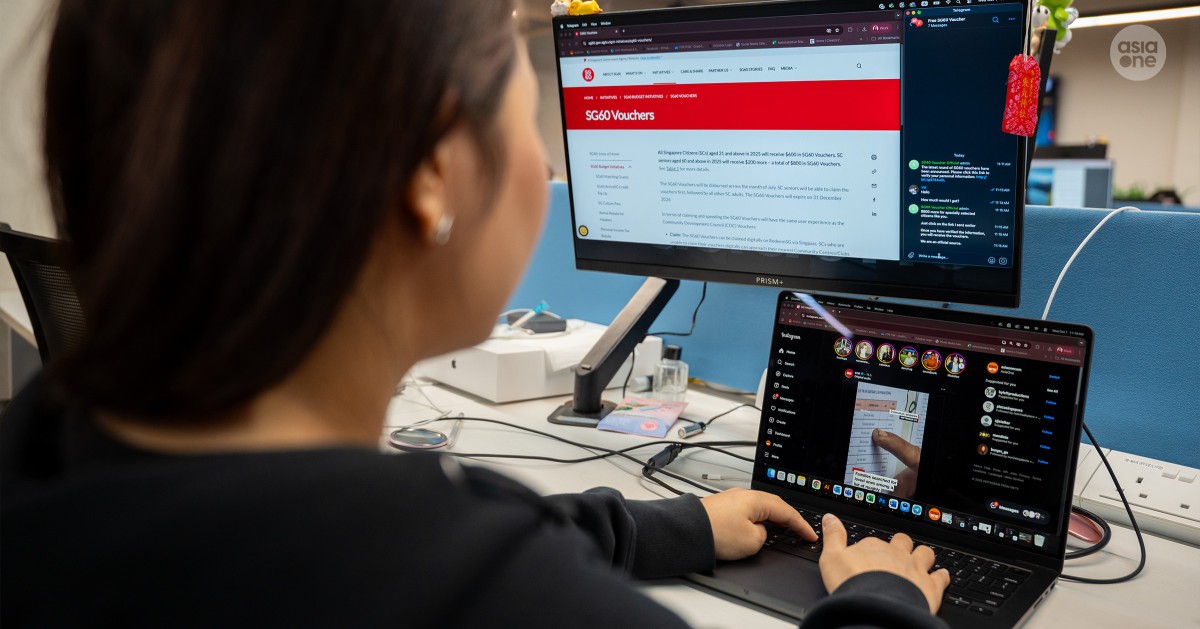
An old scam variant involving the use of fraudulent Instagram accounts and Telegram channels promoting government payouts such as the Community Development Council (CDC) and SG60 vouchers has re-emerged, with victims' Telegram accounts taken over by scammers.
According to a statement from the police on Wednesday (Oct 1), scammers would send victims messages containing infographics which encourage them to claim their CDC or SG60 vouchers. The messages would be from fake Telegram channels masquerading as official channels such as "CDC Vouchers" or fake Instagram accounts such as "govh.sg".
Victims would then be asked to click the links in these channels, and disclose personal identifiers such as mobile numbers, names, and NRIC numbers.
In some cases, victims may also be prompted to provide Telegram codes which would in turn allow scammers to take over their Telegram accounts.
The victims' accounts would then be used to send phishing links to their contacts or add victims and their contacts into chatgroups that promote fraudulent investment schemes.
[[nid:721962]]
How to tell if it is a scam
According to the police, the official "gov.sg" broadcast channels on Instagram and Telegram are used only for informational purposes. In addition, genuine verified accounts will have a blue verification tick, while fake or spoof accounts will not.
The public should also note that the Ministry of Finance (MOF) does not have a broadcast channel on Telegram and will not contact members of the public through Telegram.
MOF's official social media channels are on Facebook, Instagram, Threads, TikTok, X, YouTube, LinkedIn and WhatsApp.
"The police would like to remind members of the public that you will never receive a request via phone call, social media or email to disclose personal credentials or bank log-in details to claim your SG60 or CDC vouchers," said the Singapore Police Force in its statement.
The public are advised to take precaution by using the ACT (Add, Check, Tell) framework, which involves adding the ScamShield app and setting security features.
The public can also use the ScamShield app or call the ScamShield helpline at 1799.
[[nid:721479]]
editor@asiaone.com